Tournaments
Run chess academy tournaments without the spreadsheet
ChessCore runs your academy’s events from entry to rating report. Run Swiss, round robin, knockout, arena and team events and simultaneous exhibitions, take entries and entry fees online, and publish live standings and pairings that update with every result.
Standings apply Buchholz, Sonneborn-Berger and head-to-head tiebreaks, results feed an Elo rating for each player, and the event exports as a FIDE TRF16 rating report. Arbiters get full control of results and rounds, and every player gets a certificate. Every event stays in your archive.
See a tournament run live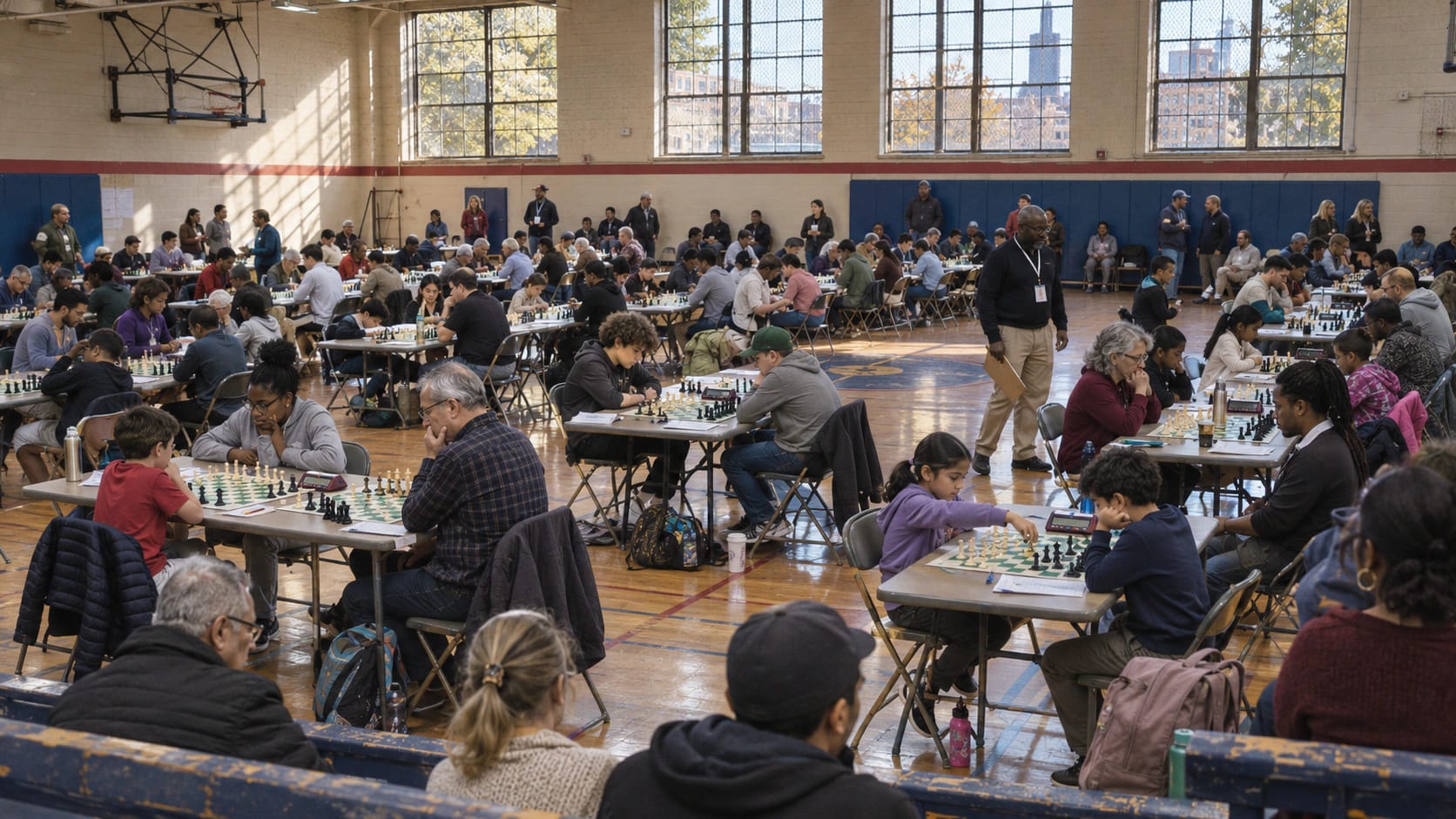
How it works
Publish the event once. Entries, pairings and certificates follow.
The Junior Rapid at Knight’s Gate, a made-up academy, shows the four steps.
Publish the event
Pick the format, rounds, time control, sections and tiebreak order, and set the entry fee.
Players enter and pay
Players or parents fill in the public entry form and pay online. Staff can add entries at the desk.
Pair, play, publish
ChessCore pairs each round. Results go in from the hall and the public standings update at once.
Ratings and certificates
Elo changes post to each player, the FIDE TRF16 file is ready, and certificates go to every player.
Live standings
Every Swiss round paired, the standings worked out for you
Pick a round. Pairings, points, Buchholz, Sonneborn-Berger and each player’s Elo change all come from the same games, and round 4 is still in play.
Standings after round 4, provisional while two boards play. Tiebreaks in order: Buchholz, Sonneborn-Berger, Head-to-head. In development
| # | Player | Rating | Points | Bch | SB | Elo change |
|---|---|---|---|---|---|---|
| 1 | Yuki K.FIDE ID | 1497 | 3 | 7½ | 5 | +19.2 |
| 2 | Leo T. | 1386 | 2½ | 6 | 2 | +17.6 |
| 3 | Liam M.FIDE ID | 1642 | 2½ | 5½ | 4½ | +9.5 |
| 4 | Sara A.FIDE ID | 1588 | 2 | 8½ | 3½ | −7.2 |
| 5 | Mateo S. | 1530 | 2 | 5½ | 3½ | +4.7 |
| 6 | Noor P. | 1420 | 1 | 4½ | ½ | −4.7 |
| 7 | Hana J. | 1342 | ½ | 7 | ½ | −19.3 |
| 8 | Diego M. | 1451 | ½ | 5½ | ½ | −19.9 |
Arbiter, round 4
2 of 4 results in
Round 4 is in play. Yuki and Leo have won, two boards are still playing, and the standings stay provisional until they finish.
- Pair round 5After the last result
- Correct a result Logged with your name
- Byes and withdrawals Before pairing
- FIDE TRF16 report In development
On your website
Standings, pairings and player cards update on the public page and every embed as results are entered.
<iframe src=".../embed/standings">
Every format your academy runs
Swiss for open events, with each round paired by score and colour. Round robin for a club championship where everyone plays everyone. Knockout with a bracket that advances each winner.
Arena for a fast online evening ranked on points in a fixed time. Team events paired board by board, with match and board points. Simultaneous exhibitions, where a coach plays many students at once and parents follow each board from the parent portal.
Planning the day itself? The guide on how to organize a chess tournament covers venue, rounds and prizes, and the Swiss rounds calculator sizes the event.
Players enter and pay online before they reach the hall
Each published tournament gets a public entry form. A player or parent fills it in without creating an account, picks a section and pays the entry fee online, and staff can add entries at the desk on the day.
Entry fees are collected through Razorpay or Stripe on Grow and above, the same connections your academy uses for fees and invoices. An academy student who enters is linked to their record, so the result lands next to their classes and games.
Parents follow the standings live, from the hall or home
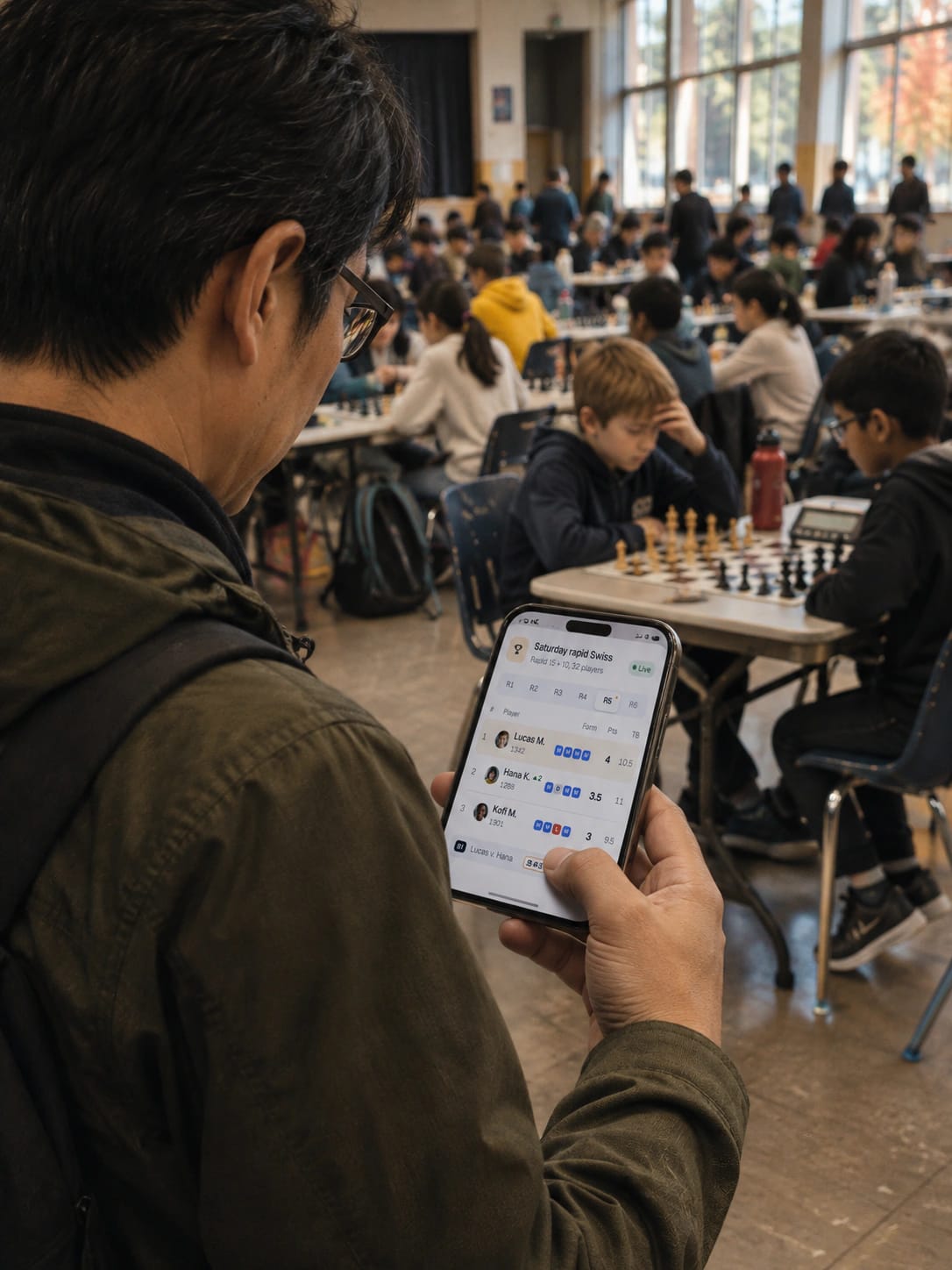
Every tournament has a public page with the pairings, the results and the standings. It updates as results come in, including provisional standings while boards are still playing, so parents in the hall and at home see the same table.
You can embed the standings, the pairings or a player card on your own website with a signed embed link, and the embed updates in step with the public page.
Ties settled in the open, ratings ready to publish
Tiebreaks. ChessCore calculates Buchholz, Sonneborn-Berger and head-to-head, in the order you set before the event. The order shows on the public standings so nobody argues about it at prize-giving.
Elo ratings. Results feed an academy Elo rating for each player, with a Glicko option. You preview the changes before you publish them, and each player’s rating history keeps the event.
FIDE rating reports. The tournament exports as a FIDE TRF16 file for a rated event, and as a CSV for your national federation.
FIDE IDs and ratings. Player records carry FIDE IDs and FIDE, USCF or national ratings next to the academy rating, tracked over time. Ratings for families are explained in student progress tracking.
Your arbiter stays in charge, and every change is logged
Results. The arbiter enters each result from the hall and corrects one if a scoresheet says otherwise. Every change is logged with the name of the person who made it.
Rounds. Give byes, withdraw a player, pair the next round once the last result is in, and lock a finished round so it cannot be changed by accident.
Certificates a school can verify, and every event on file
At the end of an event, ChessCore issues a certificate to each player as a PDF with their rank, score and your academy logo, plus a QR code that opens a public check page, so a school or a parent can confirm it is real.
Finished events stay in your event archive with their pairings, standings and results, so last year’s championship is one click away when you plan this year’s. For a school event, read how to run a school chess tournament.
Everything in tournaments
The full list of what ChessCore does for your events, including the FIDE rows from games and ratings.
Arena tournaments (In development (partially implemented))
Run arena tournaments where players are paired again the moment they finish, scored on a live leaderboard.
Embeddable standings widget (Available)
Put a tournament’s live standings, pairings or player cards on the academy’s own website with an embed link.
FIDE and federation rating reports (In development (partially implemented))
Export finished tournaments in FIDE TRF format or as federation CSV files for rating submission.
Knockout tournaments (Available)
Run knockout events with an automatic bracket that advances each winner to the next round.
Elo and Glicko rating calculation (Available)
Tournament results update an academy Elo or Glicko rating pool, previewed before the new ratings publish.
Online tournament registration (Available)
Players register for a published tournament online, and staff can add entries by hand.
Round robin tournaments (Available)
Run all-play-all round robin events with the full pairing schedule generated automatically.
Live public standings (Available)
Public standings update live as results come in, including provisional results from games still in play.
Swiss tournaments (Available)
Run Swiss tournaments with automatic round pairings from a real Swiss pairing engine.
Team tournaments (Available)
Run team events with team pairings, board order and match scores for each round.
Tournament certificates (Available)
Print certificates for every player with rank, score, academy logo and a QR code that verifies them online.
Arbiter tools (Available)
Arbiters enter results, set byes, withdraw players and correct pairings from one event control screen.
Tournament archives (Available)
Every past event stays in a public archive with its final standings, pairings and results.
Simultaneous exhibitions (Available)
A coach plays many students at once, each on their own board, while parents follow from the portal.
Tiebreak calculation (In development (partially implemented))
Tiebreaks such as Buchholz, Sonneborn-Berger and head-to-head are calculated automatically and shown in the standings.
FIDE and national rating tracking (Available)
Record each student’s FIDE, USCF or national rating and track it over time beside internal ratings.
FIDE ID linking (Available)
Link each player’s record to their FIDE ID so profiles, entries and reports match the federation record.
At a glance
What players, parents and arbiters get on event day
6
Formats
Swiss, round robin, knockout, arena, team events and simultaneous exhibitions.
3
Tiebreaks
Buchholz, Sonneborn-Berger and head-to-head, in the order you set.
TRF16
FIDE rating report
The tournament exports as a FIDE TRF16 file, and as a CSV for a national federation.
Live
Public standings and embeds
The public page and every embed update as each result is entered.
Per player
Certificates with a check code
Rank, score, your logo and a QR code that opens a public check page.
FAQ
Frequently asked questions
Which tournament formats can we run?
Swiss, round robin, knockout, arena, team events and simultaneous exhibitions. ChessCore pairs each round for you, keeps the standings live and holds the results on every player record.
Which tiebreaks does ChessCore calculate?
Buchholz, Sonneborn-Berger and head-to-head. You set the order before the event, it appears on the public standings, and ChessCore applies it after every result.
Can results go to FIDE or our national federation?
Yes. ChessCore exports the tournament as a FIDE TRF16 file for a rating report, and as a CSV for a national federation. Player records carry FIDE IDs and FIDE or national ratings next to the academy rating.
Can players register and pay the entry fee online?
Yes. Each published tournament has a public entry form that players or parents fill in without an account, and staff can add entries too. Entry fees are paid online through Razorpay or Stripe, which are on Grow and above.
Can we show the standings on our own website?
Yes. Every tournament has a live public page, and you can embed its standings, pairings or a player card on your own website. Both update as results come in.
What can the arbiter control?
The arbiter enters and corrects results, gives byes, withdraws players, pairs the next round once the last result is in, and locks a finished round. Every change is logged with the name of the person who made it.
Related features
Run the rest of your academy without typing anything twice
- Batches and attendanceSet the timetable once: recurring batches, one class moved without touching the rest, and make-up credits settled from attendance.
- Fees and UPI AutoPayFees collected without chasing: recurring invoices, fee reminders on the schedule you turn on, and payment by UPI AutoPay or Stripe.
- Parent portalParents stay informed without messaging you: attendance, homework, reports and invoices behind their own login, nothing to install.
- White label and your brandYour academy’s brand on the screens families use: logos and colours, chain branding with current limits, and installable parent and student web portals.
- Stockfish game reviewGame reviews your coaches don’t have to type up: Stockfish flags the mistakes, the AI drafts the explanation and the coach approves it.
- Student trainingStudents practise between classes, and you see it: homework and puzzle sets from 6,095,563 rated puzzles, with completion and accuracy per assignment.
- Progress trackingMonthly progress reports that go out on their own once you switch them on. AI-written report text waits for a coach.
- Live online classesTeach online without a second app: built-in video, a shared board and recording. Screen sharing, a whiteboard and live polls are planned.
Written by Abhishek Tiwari. See our editorial standards.