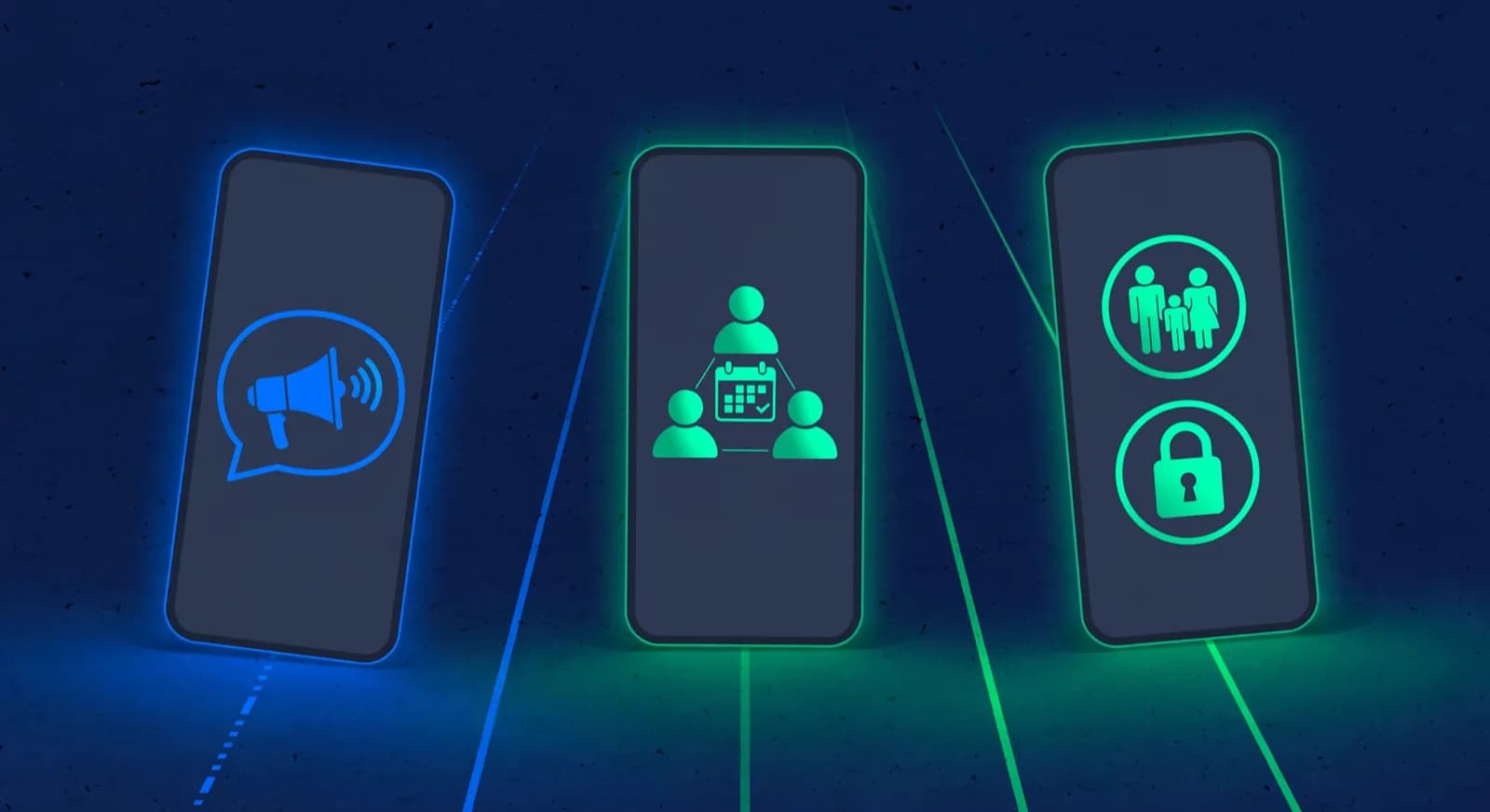
Parent portal
A chess academy parent portal that answers parents for you
Families check attendance, homework, reports and fees in the portal instead of calling the coach. In ChessCore a parent joins from an email invite, signs in with their own login in any browser, and can send requests to the academy, with nothing to install. Paying invoices online is part of the Grow plan and up.
Chess parent communication software helps answer the questions that interrupt your week: the “was my child there?” messages, the fee questions, the “how is she doing?” questions. The portal answers many of them before they are asked.



How it works
Send one email invite. The family takes it from there.
Four steps from the invite to a parent’s own login and their message choices.
The academy sends an invite
An email invite to the guardian on file, valid for 7 days. Staff can also copy the link and share it.
The parent creates a login
An email and password or a passkey, with two-step verification if they switch it on.
They open it in any browser
On a phone or a laptop, with nothing to install, scoped to their own children.
They choose their messages
Which messages arrive, including WhatsApp updates where the academy has connected it and they opt in.
The parent view
The questions parents ask you, answered on their phone
Pick a row to see that part of the portal for Mateo S., a made-up student at the Knight’s Gate example academy.
What the coach records in class, for their own child only.
Works in any browser, with no app for families to install
The ChessCore parent portal is a parent-facing view of the academy data that already lives in the system. The academy sends a guardian an email invite, which stays valid for 7 days; staff can also copy the invite link and share it. The parent then creates a login with an email and password or a passkey, and can switch on two-step verification. After that the portal works in any browser, on a phone or a laptop, and there is no app to install.
If an invitation is not used. Check the address first: the invitation goes to the guardian’s email on file, so a typo or an old address means it never reaches the right inbox. The link stops working after 7 days. Staff can then correct the address and send a new invitation, which replaces any earlier unused one. A guardian who already has a login cannot be invited again, and there is no need to resend before day 7.
Parents request leave, book make-ups and get receipts themselves
Attendance and homework
Attendance history and homework for their own child, from what the coach records in class.
Reports, recaps and recordings
Progress reports, class recaps and class recordings the academy shares, plus class resources and events.
Invoices and payments
Invoices and their history. Parents can download receipts and ask for a refund, which staff approve or deny. Paying an invoice online starts on the Grow plan and up.
Leave and make-up requests
A leave request before a missed class, for staff to acknowledge. Make-up credits, open make-up slots, and booking or cancelling a make-up class.
Message preferences
Which messages the family receives, including WhatsApp consent and digest preferences, and consents for their child.
Each guardian is scoped to their own children, so one parent never sees another family’s attendance, invoices or reports. The same scoping and consent rules that govern the rest of the platform carry through to the portal. Read how on the ChessCore security page.
Reach the parents who skip the portal, on WhatsApp
Every parent has their own login, so there is no shared password floating around a parents’ group chat. Not every parent will open a portal, though, so some updates can also go out over WhatsApp Business when the academy has connected it and the parent has opted in: class reminders, fee messages with a payment link, and class recaps. Parents choose which messages they receive from the portal. Messaging setup and consent are covered on the WhatsApp integration page. To try the portal without closing your parents’ group, you can pilot a portal alongside WhatsApp.
Reminders go out on their own; you decide the rest
Class and fee reminders, plus the monthly progress emails your academy enables, are the automated chess parent updates on this page. Monthly reports carry counts and ratings in a fixed template, with no engine analysis or AI narrative inside them. Personal AI message drafts wait for a person to review and send; sending through the copilot needs a second approver. See the full feature set.
Receipts follow successful payments, and make-up credits follow eligible attendance marks. A leave request alone does not mark attendance or issue a credit. By default a coach publishes every class summary before parents see a recap; an academy can choose to auto-publish summaries whose coach notes pass a completeness check instead.
Mark attendance once, and parents see it
The portal is not a separate product to maintain. It is a window onto the records, attendance and billing the academy already runs in chess academy management software. Mark attendance once and the parent view updates; record a payment and the invoice shows it. For academies in India, fee payments run through Razorpay and UPI on the page for academies in India, and payment and messaging providers are listed under integrations. Online payments start on the Grow plan and up. Your own domain from the Grow plan up. See plans for online fee collection to compare.
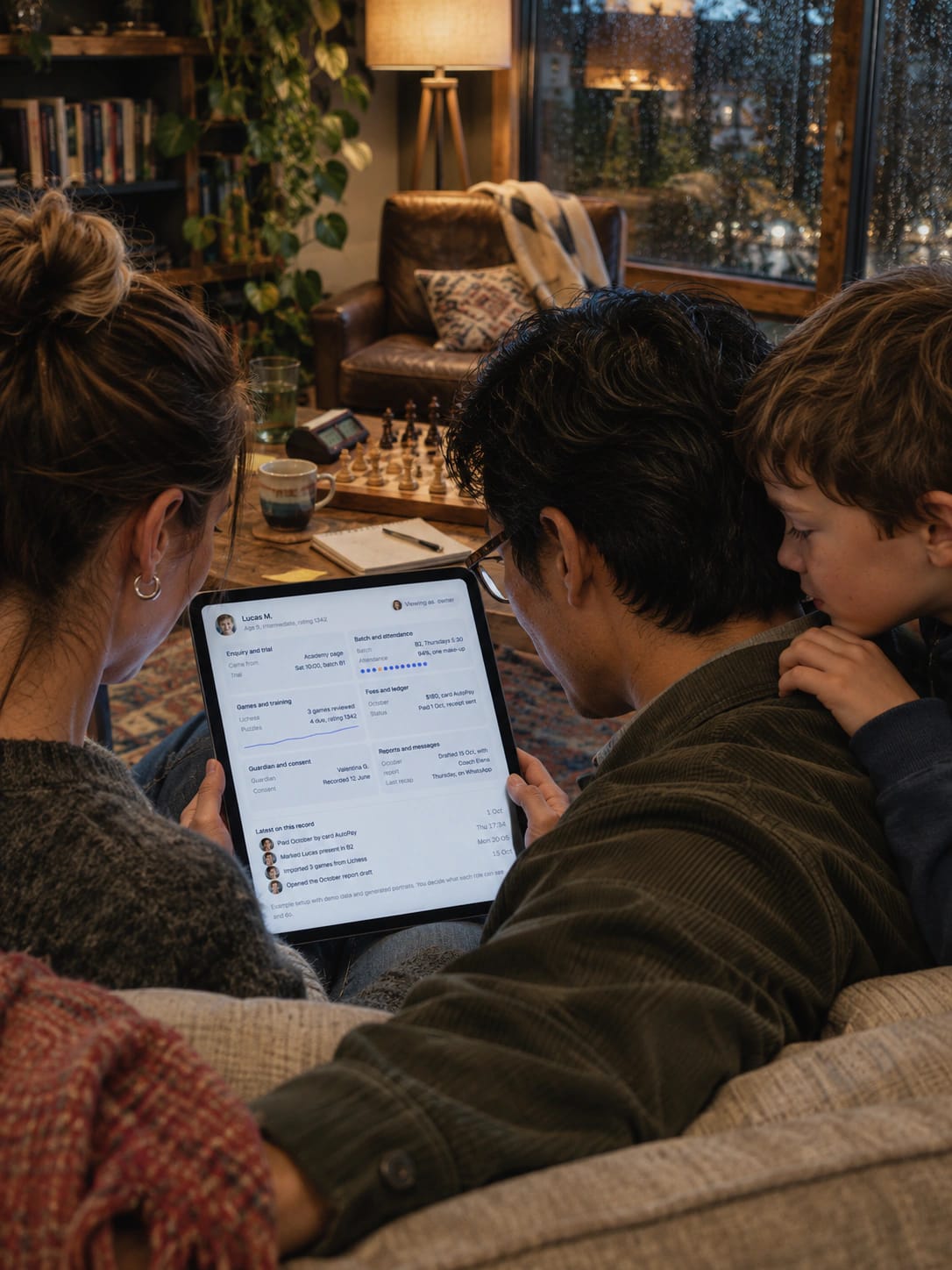
At a glance
Each parent sees only their own children’s records
0
Apps to install
The portal runs in any browser on a phone or a laptop.
7 days
Invite validity
After that staff correct the address if needed and send a new invite, which replaces the old one.
1 login
Per parent
Email and password or a passkey, two-step verification optional, no shared password.
Own child
Scope of every view
One parent never sees another family’s attendance, invoices or reports.
Opt-in
WhatsApp updates
Class reminders, fee messages with a payment link and class recaps, only where the parent opted in.
FAQ
Frequently asked questions
Do parents have to install an app?
No. The academy sends a parent an email invite, which is valid for 7 days. The parent creates a login with an email and password or a passkey, and can switch on two-step verification. The portal then works in any browser, with nothing to install.
What can a parent see and do in the portal?
They see attendance, homework, reports, class recaps and recordings for their own children. They can view invoices, download receipts, ask for a refund, send a leave request, book make-up classes with their credits, and choose which messages they receive. Paying an invoice online needs the Grow plan and up.
Who controls what gets sent to parents?
The academy does. Reminders the academy switches on are fixed templates with no AI text. Personal AI message drafts need a person to review and send them. Class summaries are coach-published by default, or auto-published once the coach notes behind them pass a completeness check, if the academy turns that on.
Related features
Run the rest of your academy without typing anything twice
- Batches and attendanceSet the timetable once: recurring batches, one class moved without touching the rest, and make-up credits settled from attendance.
- Fees and UPI AutoPayFees collected without chasing: recurring invoices, fee reminders on the schedule you turn on, and payment by UPI AutoPay or Stripe.
- White label and your brandYour academy’s brand on the screens families use: logos and colours, chain branding with current limits, and installable parent and student web portals.
- Stockfish game reviewGame reviews your coaches don’t have to type up: Stockfish flags the mistakes, the AI drafts the explanation and the coach approves it.
- Student trainingStudents practise between classes, and you see it: homework and puzzle sets from 6,095,563 rated puzzles, with completion and accuracy per assignment.
- Progress trackingMonthly progress reports that go out on their own once you switch them on. AI-written report text waits for a coach.
- Live online classesTeach online without a second app: built-in video, a shared board and recording. Screen sharing, a whiteboard and live polls are planned.
- TournamentsRun tournaments without the spreadsheet: Swiss, round robin, knockout, arena, team and simul events, with live standings and FIDE reports.
Written by Abhishek Tiwari. See our editorial standards.